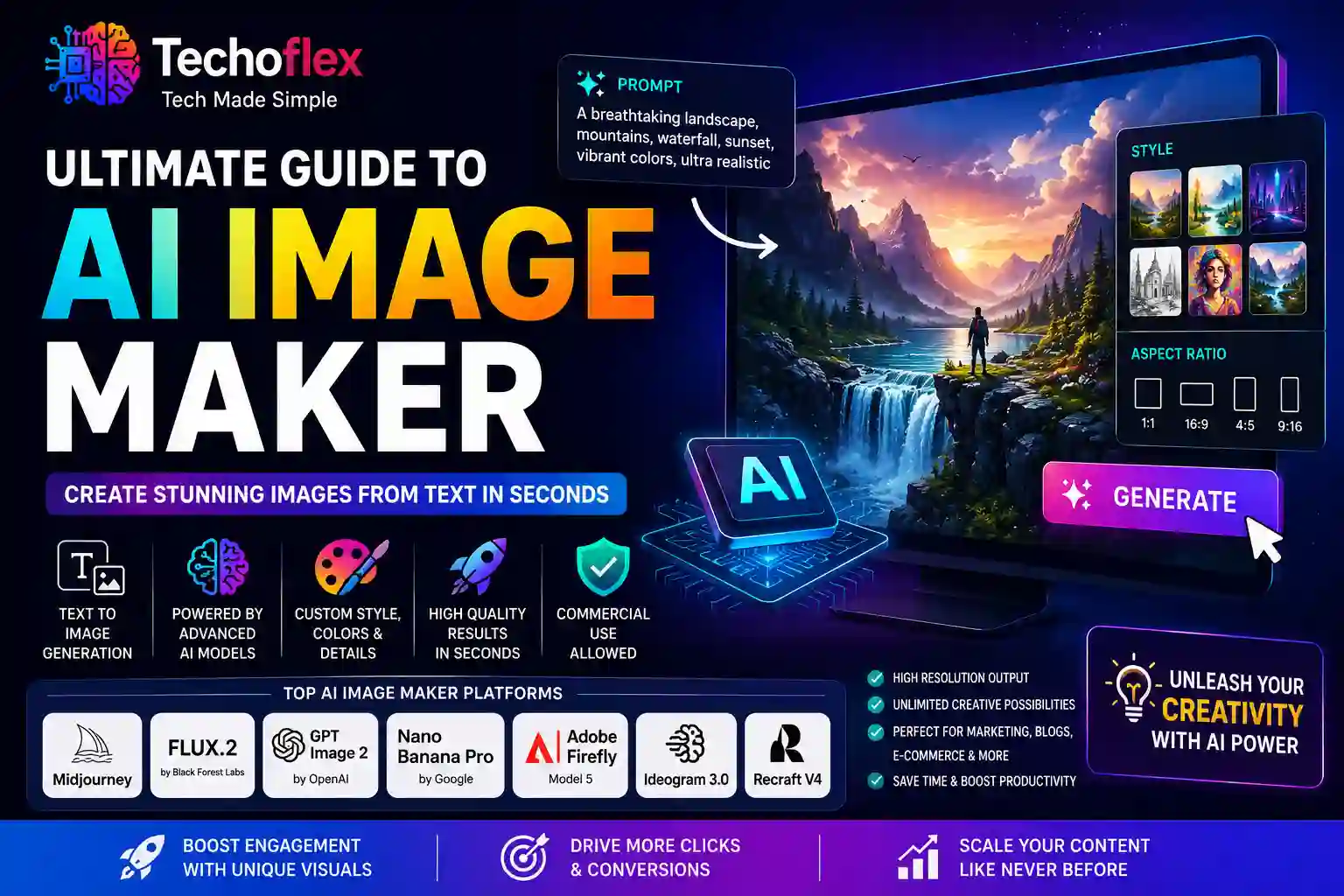
In today’s fast-paced digital landscape, visual content isn’t just an asset—it’s the core engine driving user engagement and click-through rates. Whether you manage an e-commerce platform, deploy targeted landing pages, or run an editorial blog, the demand for highly unique, high-resolution imagery is relentless. Relying solely on traditional stock photography often results in uninspiring, generic web design that fails to capture your brand’s true identity.
This is where an ai image maker becomes an indispensable asset. Driven by advanced neural network frameworks, these modern tools transform raw text into complex, production-ready visuals within seconds. By using a text to image workflow, developers, marketers, and content creators can bypass traditional graphic design bottlenecks, dramatically reducing production costs while building absolute visual originality.
Integrating an automated graphic generation platform into your marketing stack does more than just fill blank space on a webpage. It allows you to tailor every individual graphic asset to match the precise intent of your target audience. In this comprehensive guide, we will analyze the technical mechanics of AI image generation, evaluate the leading enterprise-grade platforms, and outline actionable strategies to deploy automated creative workflows that measurably increase your conversion metrics.
If you’re new to artificial intelligence and want to understand the fundamentals before exploring advanced image generation platforms, check out our guide on AI tools for beginners.
1. Understanding the Technical Mechanics of Text to Image Technology
To fully leverage an AI image maker, it is useful to understand the structural data science that operates beneath the interface. Modern creative algorithms do not simply slice and piece together existing web graphics. Instead, they engineer entirely new pixel compositions through complex mathematical processing.
The Role of Latent Diffusion Models
The vast majority of top-tier visual generators rely heavily on Latent Diffusion Models (LDMs). The process begins with complete visual noise—a chaotic, unstructured matrix of pixels resembling television static.
Through a sequence of calculations called denoising steps, the model systematically strips away this randomness. It references its extensive training datasets to shape the remaining pixels into clear, cohesive structures that perfectly match the textual instructions provided by the user.
Natural Language Processing and CLIP Alignment
The accurate transformation of user commands into visual elements relies on a critical framework known as Contrastive Language-Image Pre-training, or CLIP.
-
Prompt Analysis: CLIP evaluates the semantic intent of your written sentences, breaking down descriptive terms, artistic styles, color palettes, and structural layouts.
-
Mathematical Mapping: The system converts these linguistic insights into vector coordinates within a shared latent space.
-
Visual Execution: The generation engine uses these coordinates as a blueprint, guiding the pixel-denoising process to ensure the final graphic matches every detail of your written prompt.
This synchronization allows modern creative systems to interpret subtle nuances, such as cinematic lighting, shallow depth of field, and intricate artistic styles, turning descriptive sentences into highly accurate, custom visual assets.
2. Strategic Benefits of Integrating an AI Image Maker Into Your Workflow
Transitioning from legacy stock photography platforms to a dedicated automated creative engine offers clear, measurable advantages for modern digital teams.
Eliminating Resource Bottlenecks
Traditional visual asset production often requires lengthy coordination between marketing managers, external creative agencies, and internal design departments. A single round of revisions can stall campaign rollouts for days. Utilizing automated generation tools compresses this entire cycle into minutes, allowing marketing teams to conceptualize, generate, refine, and publish graphics in real time.
Maximizing Resource Efficiency
Maintaining premium stock photography subscriptions or hiring specialized illustrative talent for every minor marketing asset can quickly strain operational budgets. Automated generation platforms provide a highly scalable, predictable cost structure. Teams can produce thousands of bespoke, high-resolution variations for a fraction of the cost of traditional creation methods, freeing up vital resources for core engineering and strategic growth initiatives.
Total Creative Flexibility
With an AI generation workflow, you are no longer limited by what a photographer has already captured or what an illustrator has previously rendered. If a conversion optimization test indicates that a hero graphic requires a specific product perspective with particular brand colors, you can easily update your prompt text to generate a new variation immediately. This flexibility lets you continually optimize your landing pages without facing typical design delays.
3. Comparative Deep Dive: The Leading Image Generation Platforms
The AI sector features several prominent model ecosystems, each optimized for distinct professional applications, technical setups, and workflows.
| Platform / Model | Primary Strength | Ideal Use Case | Pricing Structure |
| Midjourney (V7) | Artistic depth, complex lighting, cinematic style | Ad campaigns, creative mood boards, striking editorial imagery | Subscription-based model |
| FLUX.2 (Black Forest Labs) | Incredible prompt accuracy, realistic anatomy, open-source flexibility | Scalable developer integrations, precise commercial design | Pay-per-image API or local deployment |
| GPT Image 2 (OpenAI) | Exceptionally clear prompt understanding, easy conversational editing | Rapid creation of web graphics, social assets, educational layouts | Included in premium ChatGPT tiers |
| Nano Banana Pro (Google) | 4K photorealism, detailed textures, product rendering | High-fidelity product mockups, e-commerce assets | Included with Google AI Plus plans |
| Adobe Firefly (Model 5) | Full commercial compliance, native Creative Cloud workspace integration | Corporate design assets, enterprise-level marketing collateral | Credit-based plans with enterprise tiers |
Midjourney: The Benchmark for Creative Depth
Midjourney remains a dominant choice for producing rich, artistically detailed imagery. It excels at handling abstract concepts, cinematic atmospheres, and complex lighting environments, making it a favorite for conceptual designers and advertising strategists. To explore its development history and community guidelines, review the documentation on Midjourney.
FLUX.2: Enterprise Control and Structural Precision
Developed by Black Forest Labs, the FLUX.2 model ecosystem is a powerful option for professional workflows. It addresses two historical challenges in automated design: rendering realistic human hands and maintaining exceptional prompt accuracy across intricate details. Because it can be integrated via high-throughput APIs or hosted on private local servers, it provides a highly reliable, scalable infrastructure for engineering and product teams.
Specialized Solutions for Typography and Vector Assets
For projects that require embedded text and crisp branding elements, specialized engines are often more effective:
-
Ideogram 3.0: This platform features advanced font-rendering capabilities, allowing teams to generate clear, crisp text inside posters, social graphics, and product packaging layout concepts.
-
Recraft V4: A dedicated tool for graphic designers, Recraft generates native, scalable SVG vector files alongside standard raster images, making it easy to create consistent brand kits, icon sets, and illustrations that scale cleanly to any size.
4. Advanced Engineering for Text-to-Image Prompts
The quality of your generated graphic depends directly on the structure and clarity of your written input. Treating the prompt interface as a basic search bar often yields underwhelming, generic results. Instead, look at prompt creation as a systematic design framework.
Building Your Prompt Framework
An enterprise-grade, high-performance prompt should include five core structural pillars:
-
The Primary Subject: Clearly define the main focus of the graphic (e.g., “A sleek, modern wireless mechanical keyboard”).
-
Environment and Context: Describe the surrounding scene and background elements (e.g., “resting on a clean minimalist walnut desk, surrounded by subtle indoor plants”).
-
Style and Medium Direction: Specify the precise visual style you want to achieve (e.g., “3D architectural render, architectural photography style”).
-
Lighting and Atmospheric Mood: Detail how the scene should be lit to create depth (e.g., “soft volumetric side lighting, warm golden hour tones, crisp shadows”).
-
Technical Parameters: Define the composition, depth of field, and resolution goals (e.g., “shot on 35mm lens, f/1.8 aperture, shallow depth of field, 8K resolution”).
Optimizing Quality with Negative Prompts
On platforms that support negative inputs—such as FLUX.2 or advanced developer workspaces—utilizing negative parameters is essential for ensuring clean, professional results. By explicitly listing terms like deformed hands, blurry background, low-resolution artifacts, generic stock photo aesthetic, forced watermarks, you actively guide the algorithm away from common generation mistakes, keeping the final output clean and polished.
Understanding context limits in LLMs can help you create more detailed prompts and achieve better AI-generated results
5. Conversion-Focused Frameworks: Designing Graphics That Drive Action
In a commercial setting, a graphic’s success is measured by its impact on user behavior, click-through rates, and overall conversion metrics.
Maintaining Brand Consistency Across Campaigns
Inconsistent visual styles across your marketing touchpoints can weaken user trust and lower conversion rates. When building assets for a specific campaign, establish a baseline set of design constraints within your prompts. Specify exact color palettes using hex codes and maintain a uniform artistic direction across all landing page heroes, social media ads, and email graphics. This consistency reinforces brand authority and builds user confidence.
Designing Contextual Imagery for Landing Pages
Hero graphics should immediately reflect and support the value proposition stated in your headline. For example, if your software product highlights speed and automated workflows, avoid using generic abstract patterns. Instead, use your prompt framework to generate a clear, modern conceptual diagram showing an optimized workspace with clean, efficient data paths. This immediate visual alignment helps users quickly grasp your product’s core benefits.
Running A/B Tests on Generated Assets
Because text-to-image technology makes asset creation fast and straightforward, it is an excellent fit for structured A/B testing:
-
Isolate Key Variables: Create multiple versions of a hero graphic, changing just one specific detail—like the primary background style, the color scheme of a central object, or the complexity of the illustration.
-
Analyze User Response: Deploy these variations across identical audience segments to see which style drives higher engagement and conversion actions.
-
Scale Winning Layouts: Use the insights gained from these tests to refine future prompts, building a highly optimized asset pipeline grounded in real user data.
6. Navigating Intellectual Property, Copyright, and Enterprise Compliance
Integrating generative AI models into public-facing commercial campaigns requires a careful approach to copyright standards, data usage policies, and legal compliance.
Direct Ownership and Commercial Usage Rights
The rules governing commercial rights vary across platform ecosystems. Major providers like OpenAI (for outputs generated via ChatGPT premium tiers) and Google (for Nano Banana models) explicitly state in their terms of service that they do not claim ownership over your generated content, allowing for commercial use. However, global legal frameworks regarding the copyrightability of AI-generated assets remain fluid. For up-to-date guidelines on public domain rulings, review the resource libraries provided by the U.S. Copyright Office.
Enterprise Indemnification and Commercial Safety
For larger corporations with strict brand safety mandates, platforms like Adobe Firefly offer an important alternative. Firefly is trained exclusively on openly licensed imagery, public domain content, and Adobe Stock assets. Because of this transparent training background, Adobe provides intellectual property indemnification for enterprise users, allowing corporate design teams to deploy automated visual workflows with full legal confidence.
Ethical Content Generation
When configuring your creative automation pipeline, ensure your prompts respect intellectual property rights. Avoid using phrases that copy the exact style of specific contemporary artists or protected brand properties. Focus your prompts on descriptive terms, architectural styles, and universal color theories to create unique, original imagery that stands out on the web while remaining ethically sound.
FAQ Section
Can I legally use AI-generated images for commercial products and digital advertising?
Yes. Most leading AI image generation platforms grant full commercial usage rights for the images you create under their paid subscription tiers or API frameworks. However, because copyright legislation surrounding generative media is continually developing across different regions, enterprise teams often prefer platforms that provide explicit legal indemnification, such as Adobe Firefly.
What is the difference between a standard diffusion model and an autoregressive image model?
Standard diffusion models generate visual content by starting with a random field of pixel noise and iteratively cleaning and shaping that noise over a series of steps until a cohesive image emerges based on the prompt. Autoregressive models, by contrast, build an image systematically in individual sections or chunks, predicting each new segment based on the parts it has already created.
How do I ensure that an AI image maker maintains consistent human characters across multiple scenes?
Achieving character consistency requires using advanced platform controls. Systems like Midjourney and FLUX allow you to input specific reference image URLs along with text commands, instructing the model to match the facial features and structure of the reference character. Keeping the core descriptive attributes identical within your prompts also helps maintain a uniform look across a series of graphics.
Conclusion
Embracing an automated ai image maker workflow changes how your business approaches asset creation, visual optimization, and digital design. Moving past the limitations of generic stock photos allows your creative, marketing, and development teams to generate targeted, high-resolution visuals from simple text to image descriptions.
Selecting the right model ecosystem for your specific needs, building structured prompt frameworks, and aligning your graphics with conversion-focused design principles allows you to create an agile, data-driven content pipeline. This approach lowers production costs, eliminates design delays, and gives your brand a distinct visual identity that captures audience attention and drives measurable conversions.