Managing customer relationships across fractured digital touchpoints is one of the most critical challenges facing modern organizations. As sales pipelines grow more complex, relying on disparate spreadsheets, siloed email threads, and manual data entry inevitably leads to dropped leads, miscommunicated follow-ups, and lost revenue. For businesses aiming to build consistent, predictable growth, implementing a centralized system is no longer optional. It is the core engine that drives modern revenue operations.
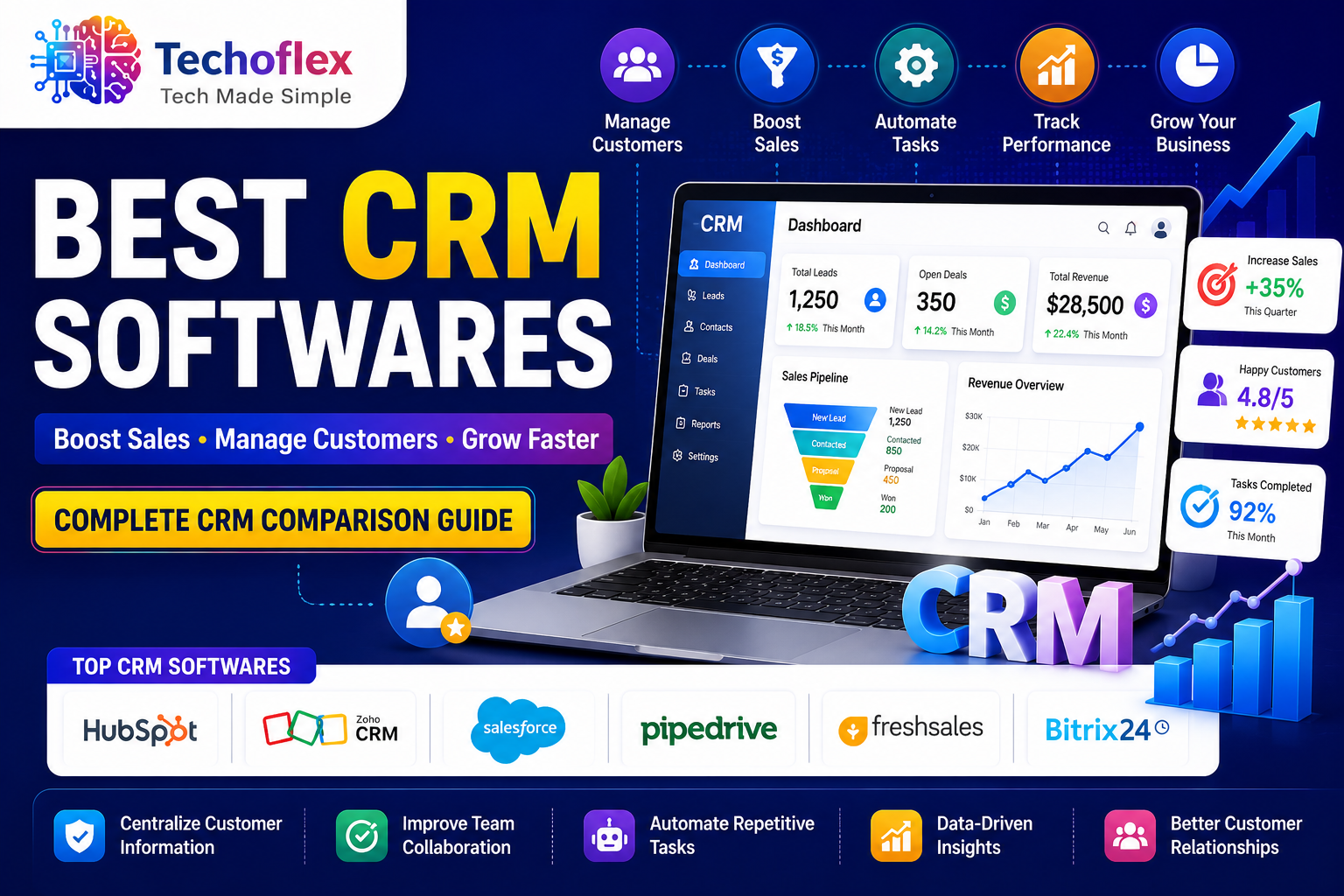
Best CRM Softwares in 2026: Choose the Right Solution to Scale
Finding the absolute best CRM softwares for your specific business model requires looking beyond superficial feature lists. The ideal platform must act as a single source of truth, aligning your sales, marketing, and customer success teams around unified data. When implemented strategically, a Customer Relationship Management system eliminates operational friction, uncovers hidden bottlenecks in your sales funnel, and automates repetitive tasks so your team can focus on what matters most: building genuine relationships and closing deals.
In this comprehensive guide, we will analyze the top CRM platforms in the market, break down critical evaluation criteria, and explore how to leverage advanced automation to maximize your return on investment. Whether you are a fast-growing startup looking for a flexible operational foundation, an established e-commerce venture managing high transaction volumes, or a B2B enterprise with lengthy sales cycles, this breakdown will give you the actionable insights needed to make an informed, data-driven decision.
1. Critical Evaluation Criteria for Customer Relationship Management Systems
Selecting an enterprise platform requires a rigorous assessment framework. Choosing the wrong infrastructure can result in low user adoption, high migration costs, and fragmented data silos that stall your growth initiatives.
User Experience and Adoption Rates
The technical capabilities of a platform matter very little if your front-line sales representatives find the interface cumbersome. Low user adoption is the primary reason CRM implementations fail. Look for platforms that offer intuitive data entry, customizable kanban pipeline views, and minimal administrative friction. If a tool requires excessive clicks to log a single phone call or update a deal stage, team compliance will drop, leading to incomplete pipelines and inaccurate forecasting.
Customization, Scalability, and Data Architecture
Your business workflows are unique, and your software should adapt to them—not the other way around. A robust system must offer flexible custom objects, editable deal stages, and configurable data fields. Furthermore, consider your long-term growth trajectory. A tool that serves a five-person team perfectly might crack under the pressure of complex routing rules, multi-currency transactions, and advanced security permissions required by a global enterprise.
Native Integration Capabilities
A modern revenue tech stack relies on seamless interoperability. Your chosen platform must connect natively with your existing tools, including your email marketing service, ERP systems, calendar applications, and customer support helpdesks. Bi-directional data synchronization ensures that when a customer support ticket is opened or an invoice is paid, that data reflects instantly on the contact’s central timeline, giving sales reps full context before their next interaction.
2. Comprehensive Analysis of the Best CRM Softwares
To help you evaluate the landscape, we have analyzed the top-performing platforms based on features, target audience, scalability, and value. The following matrix offers a direct comparison of the industry leaders.
| CRM Platform | Best For | Core Strength | Key Drawback
|
|---|---|---|---|
| HubSpot CRM | Inbound Marketing & Scaling Teams | Exceptional ease of use & unified platform | Costs scale steeply with contact volume |
| Salesforce Customer 360 | Large Enterprises & Complex Sales | Infinite customization & deep analytics | Requires dedicated admin and long setup |
| Zoho CRM | Value-Conscious SMBs | Extensive feature set at competitive pricing | UI can feel cluttered; support is variable |
| Pipedrive | Sales-Centric & Pipeline Focus | Highly visual pipeline management | Limited native marketing automation |
| Monday.com CRM | Project-Heavy Sales & Flexibility | Highly customizable visual boards | Lacks advanced enterprise sales forecasting |
HubSpot CRM: The Gold Standard for Modern Usability
HubSpot has earned its reputation by offering an exceptionally user-friendly interface without sacrificing deep operational functionality. Built natively on a single codebase, it avoids the clunky, disjointed experience often found in platforms cobbled together through corporate acquisitions. Its visual pipeline tracking allows sales teams to manage deals with drag-and-drop simplicity, while its automated data capture tracks emails, meetings, and website visits automatically.
For organizations prioritizing inbound marketing, HubSpot seamlessly links content performance, lead generation forms, and paid ad spend directly to revenue closed. However, companies must carefully monitor their usage; while the foundational tools are generous, transitioning to higher enterprise tiers as your contact database grows can result in significant subscription price jumps.
Salesforce Customer 360: Unmatched Enterprise Power
Salesforce remains the dominant market force for large scale enterprises and complex B2B deployment. Its core strength lies in its infinite configurability. Using its advanced architecture, organizations can build intricate automated routing rules, specialized custom objects, and highly segmented user permission matrices. Its built-in artificial intelligence engine, Einstein, provides deep predictive forecasting, opportunity scoring, and next-step recommendations based on historical deal data.
The trade-off for this immense capabilities is complexity. Salesforce implementations typically require certified external consultants, weeks of configuration, and dedicated internal administrators to maintain. For early stage teams or straightforward sales cycles, the platform can introduce unnecessary administrative overhead and high Total Cost of Ownership (TCO).
Zoho CRM: Feature-Rich and Budget-Friendly
Zoho CRM is a highly compelling choice for small to mid-sized businesses that require enterprise-grade features without the premium price tag. It provides comprehensive sales force automation, canvas design layouts for complete UI customization, and multi-channel communication tracking across phone, email, live chat, and social media. When integrated with the broader Zoho ecosystem, it functions as a highly affordable all-in-one operating system for your business. The primary challenge with Zoho is that its extensive customizability can occasionally lead to fragmented user interfaces, and navigating its deep settings menus requires a steeper learning curve for non-technical users.
3. Maximizing Conversion Rates with Sales Force Automation
Simply storing contact information in a database does not drive growth. To achieve maximum conversion rates, organizations must implement sophisticated sales force automation workflows that eliminate human error and shorten the sales cycle.
Automating the Lead Ingestion and Assignment Process
Speed-to-lead is one of the most critical metrics in modern sales operations. When a high-intent prospect submits an inquiry via your website, the probability of qualifying that lead drops exponentially with every hour of delay. By using automated routing rules, your system can instantly parse incoming inquiry data, categorize the prospect by industry or deal value, and assign it to the correct account executive based on round-robin rules or geographic territories, ensuring an instantaneous personalized response.
Nurturing Pipelines with Multi-Touch Sequences
Not every lead entering your funnel is ready to buy immediately. Sales force automation allows you to design contextual, multi-touch email and task sequences that execute automatically based on prospect behavior. For instance, if a prospect downloads a technical whitepaper but does not book a consultation, the platform can trigger a series of helpful, non-salesy educational emails over the next three weeks. If the prospect opens a pricing page link within one of those emails, the system immediately alerts the assigned sales representative to follow up via phone while interest is peaking.
4. Optimizing the B2B Sales Funnel and Revenue Forecasting
A properly configured system acts as a powerful diagnostic tool for your entire business operation. By tracking how prospects move through distinct stages, leadership teams gain complete visibility into the health of their revenue pipeline.
Optimizing a complex B2B sales funnel requires identifying exactly where prospects lose momentum. By running detailed funnel velocity reports, you can pinpoint specific friction points. For example, if data reveals that 70% of prospects move from the initial discovery call to the product demonstration stage, but only 10% progress from the demonstration to the proposal stage, it indicates a clear issue with how value is being communicated during the presentation or a misalignment in target audience selection.
Furthermore, reliable revenue forecasting is critical for managing cash flow, making hiring decisions, and planning inventory. Advanced pipeline management tools replace subjective sales rep guesswork with weighted probability models. By analyzing historical win rates across specific deal stages, industries, and lead sources, the software provides leadership teams with highly accurate revenue projections, allowing for bold, data-backed strategic planning.
5. Unifying Data Across Marketing and Customer Service
Siloed department operations damage the customer experience and lead to operational inefficiencies. The best CRM softwares act as a collaborative hub, breaking down walls between front-office teams.
When customer support interactions, email engagement histories, and purchasing data are unified under a single contact profile, every department benefits:
- Marketing Teams: Gain absolute clarity on which campaigns, organic search terms, and content pieces generate high-lifetime-value customers, allowing them to optimize ad spend and refine content strategies.
- Sales Teams: Can review an account’s active customer support tickets before a renewal or cross-sell meeting, preventing tone-deaf sales pitches when a client is dealing with an unresolved technical issue.
- Customer Success Teams: Receive automated handoffs containing full notes, discovered pain points, and specific requirements gathered during the pre-sale process, ensuring flawless onboarding experiences.
6. Implementation Strategies for Long-Term Operational Success
Deploying a new enterprise system is a major operational shift. To guarantee a positive return on investment and smooth adoption, organizations must approach implementation with a structured, phased methodology.
- Define Explicit Data Governance Practices: Before migrating data, clean your existing records. Remove duplicate contacts, standardize naming conventions for industries and job titles, and establish strict guidelines for how future data must be entered to prevent your system from turning into an unorganized, low-utility database.
- Map Physical Workflows Before Technical Configuration: Document your exact offline sales and support processes on paper or a digital whiteboard before building them out in your software. Define precisely what actions constitute a deal moving from “Discovery” to “Qualified,” ensuring absolute alignment across your entire sales organization.
- Incentivize Adoption Through Continuous Training: Do not rely on a single, rushed onboarding session. Run ongoing, bite-sized training workshops tailored to different user roles. Make CRM usage a core metric in your team’s performance reviews; if a deal or communication isn’t logged in the system, it simply does not exist.
Frequently Asked Questions (Schema-Ready Q&A)
Q1: What is the main difference between an ERP system and a CRM system?
A1: An ERP (Enterprise Resource Planning) system focuses primarily on back-office operations, inventory management, supply chain mechanics, and internal financial records. A CRM (Customer Relationship Management) system focuses strictly on front-office operations, managing customer interactions, tracking sales pipelines, and optimizing marketing campaigns to drive external revenue growth.
Q2: Can small businesses benefit from using a CRM, or is it only for enterprises?
A2: Small businesses often benefit the most from implementing a CRM early. Startups and small teams operate with limited resources; using automated lead tracking, centralized contact management, and visual pipelines allows small teams to remain organized, follow up with prospects faster, and compete effectively against larger organizations with significantly higher headcounts.
Q3: How long does a typical CRM implementation take to complete?
A3: Implementation timelines vary significantly based on operational complexity. A lightweight out-of-the-box system for a small team can be fully operational within a few days. Conversely, an enterprise-grade migration involving data cleaning, custom integrations, complex workflow creation, and widespread team training typically spans anywhere from several weeks to a few months.
Conclusion: Streamline Your Revenue Engine
Selecting the right platform is one of the most foundational infrastructure decisions your organization will make. The best CRM softwares do far more than store customer names and phone numbers; they align cross-functional teams, automate highly repetitive admin work, remove costly human friction from your sales pipeline, and deliver the clear data analytics needed to make bold, strategic business choices with complete confidence.
Rather than chasing the platform with the longest list of advanced niche features, focus heavily on choosing a solution that matches your team’s day-to-day workflow complexity and offers an intuitive interface they will actually enjoy using. By prioritizing user adoption, seamless software integration, and clean data governance, you will transform your CRM from a simple, basic database into a highly scalable revenue engine that powers sustainable, long-term business growth.