Technology is changing education rapidly, and artificial intelligence is becoming a useful part of student life. From completing assignments to preparing for exams, AI tools are helping students save time and improve their learning experience. The Best AI Tools for Students in 2026 can help with research, writing, note-taking, presentations, and even solving difficult academic problems.
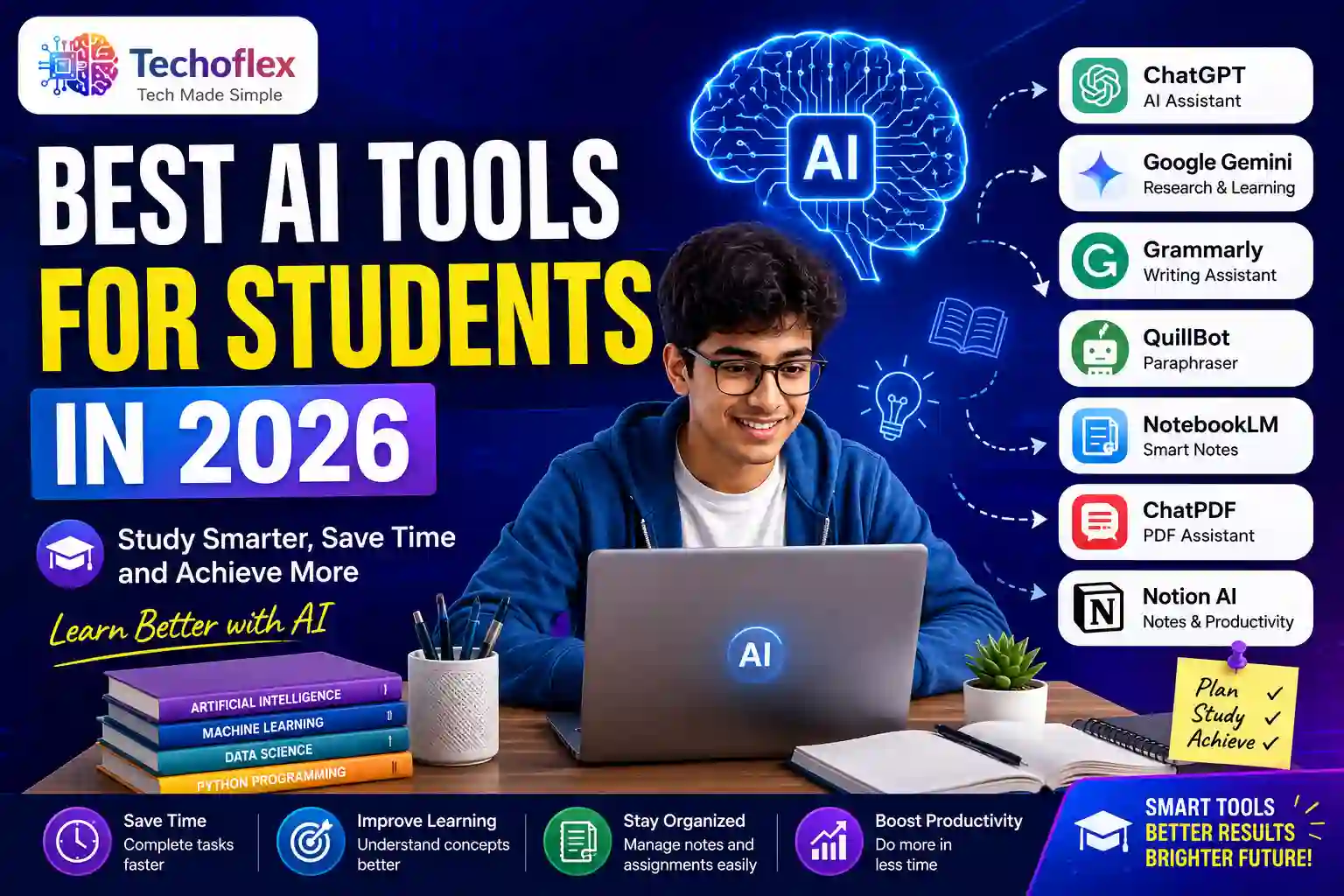
Best AI Tools for Students in 2026: Study Smarter and Improve Productivity
Students today face multiple challenges, including tight deadlines, complex subjects, and increasing competition. Managing studies efficiently is not always easy. This is where AI-powered tools can make a real difference. Instead of spending hours searching for information or organizing notes, students can use AI tools to work more effectively and focus on learning important concepts.
Why AI Tools Are Important for Students
AI tools are designed to make studying easier and more productive. They help students complete repetitive tasks quickly while improving the quality of their work. Whether you’re a school student, college learner, or preparing for competitive exams, AI can provide valuable support.
One major advantage of AI tools is their ability to provide instant answers and explanations. Students no longer need to spend hours searching through books or websites. AI assistants can explain concepts in simple language, helping students understand topics faster and more clearly.
Another benefit is personalized learning. Different students learn at different speeds. AI tools can adapt to individual learning styles and provide customized assistance based on specific needs and academic goals.
If you’re new to artificial intelligence, start with our guide on AI tools for beginners to understand how these tools can help in daily life
1. ChatGPT
ChatGPT is one of the most popular AI tools available today. It helps students understand difficult topics, generate ideas, create study notes, and answer academic questions. Students can also use it for essay writing, coding assistance, project planning, and exam preparation.
For example, if you’re struggling with a science concept or mathematics problem, ChatGPT can explain it step by step. It can also create summaries from long chapters, making revision much easier before exams.
Key Features:
- Answer academic questions
- Generate summaries and notes
- Assist with essay writing
- Help with coding and programming
- Improve understanding of complex topics
2. Google Gemini
Google Gemini is another powerful AI assistant that students can use for research and learning. It provides detailed answers and helps users gather information from different sources quickly.
Students can use Gemini to prepare presentations, conduct research projects, and explore new topics. Since it integrates with Google’s ecosystem, it becomes a useful companion for everyday academic tasks.
Key Features:
- Advanced research assistance
- Content generation
- Study support
- Integration with Google tools
- Fast information retrieval
3. Grammarly
Writing is an essential skill for every student. Grammarly helps improve writing quality by checking grammar, punctuation, spelling, and sentence structure.
Whether you’re writing an assignment, scholarship application, research paper, or email, Grammarly ensures your content looks professional and error-free. It also provides suggestions to improve clarity and readability.
Key Features:
- Grammar correction
- Spelling checks
- Writing suggestions
- Readability improvement
- Professional writing support
4. QuillBot
QuillBot is widely used by students for rewriting and paraphrasing content. It helps improve sentence structure while maintaining the original meaning.
Students can use QuillBot to create better notes, simplify difficult content, and summarize long articles. It is particularly useful when preparing assignments and research projects.
Key Features:
- Paraphrasing tool
- Summarization feature
- Grammar assistance
- Citation generation
- Note improvement
5. NotebookLM
NotebookLM is gaining popularity among students because it allows users to upload notes, PDFs, and study materials. Students can then ask questions directly from those documents.
This feature makes revision much easier because instead of searching through hundreds of pages, students can get specific answers instantly from their uploaded content.
Key Features:
- PDF analysis
- Smart note-taking
- Question answering
- Research assistance
- Study material organization
6. ChatPDF
Reading lengthy PDFs can be time-consuming. ChatPDF solves this problem by allowing students to upload PDF files and interact with them through a chat interface.
Instead of reading entire books or reports, students can ask questions and receive direct answers. This saves time and improves productivity during exam preparation.
Key Features:
- PDF summarization
- Question answering
- Quick information extraction
- Research support
- Faster revision
7. Notion AI
Notion AI combines productivity and artificial intelligence in one platform. Students can create notes, organize projects, manage assignments, and generate content without leaving the app.
It helps students stay organized and manage their academic workload efficiently. Many students use Notion AI as a digital study planner.
Key Features:
- Note-taking
- Task management
- AI content generation
- Project organization
- Productivity improvement
Benefits of Using AI Tools for Students
The Best AI Tools for Students in 2026 provide several advantages that can improve academic performance and reduce study stress.
Save Time
AI tools automate repetitive tasks such as note creation, grammar checking, and summarization. This allows students to spend more time learning instead of managing information.
Improve Productivity
Students can complete assignments and projects more efficiently with AI assistance. Faster completion means more time for revision and skill development.
Better Understanding
AI tools explain complex topics in simple language. This makes learning easier and improves concept clarity.
Organized Learning
Applications like Notion AI and NotebookLM help students keep their study materials organized, reducing confusion and improving focus.
Enhanced Writing Skills
Tools like Grammarly and QuillBot help students write better essays, assignments, and reports while improving overall communication skills.
Are AI Tools Safe for Students?
Most popular AI tools are safe when used responsibly. Students should avoid sharing personal information and always verify important academic information from trusted sources.
AI should be used as a learning assistant rather than a replacement for critical thinking. The best results come when students combine AI assistance with their own knowledge and efforts.
Conclusion
The Best AI Tools for Students in 2026 are transforming education by making learning faster, smarter, and more efficient. From writing assistance and research support to note-taking and exam preparation, these tools help students achieve better academic results.
By using AI responsibly, students can improve productivity, save time, and gain a deeper understanding of their subjects. As technology continues to evolve, AI will become an even more important part of modern education.
Frequently Asked Questions
1. What are the best AI tools for students in 2026?
ChatGPT, Google Gemini, Grammarly, QuillBot, NotebookLM, ChatPDF, and Notion AI are among the best AI tools available for students.
2. Are AI tools free for students?
Many AI tools offer free plans with useful features, while premium versions provide additional capabilities.
3. Can AI help students prepare for exams?
Yes, AI can create summaries, explain concepts, generate study materials, and assist with revision.
4. Is ChatGPT useful for students?
ChatGPT is highly useful for learning, research, writing, coding, and understanding difficult topics.
5. Should students rely completely on AI tools?
No. AI should be used as a support tool. Students should continue developing their own understanding and critical thinking skills.