Creating a successful YouTube video involves much more than recording and uploading. Creators need to research topics, plan content, write scripts, edit videos, create attractive thumbnails, optimize titles, and promote their videos.
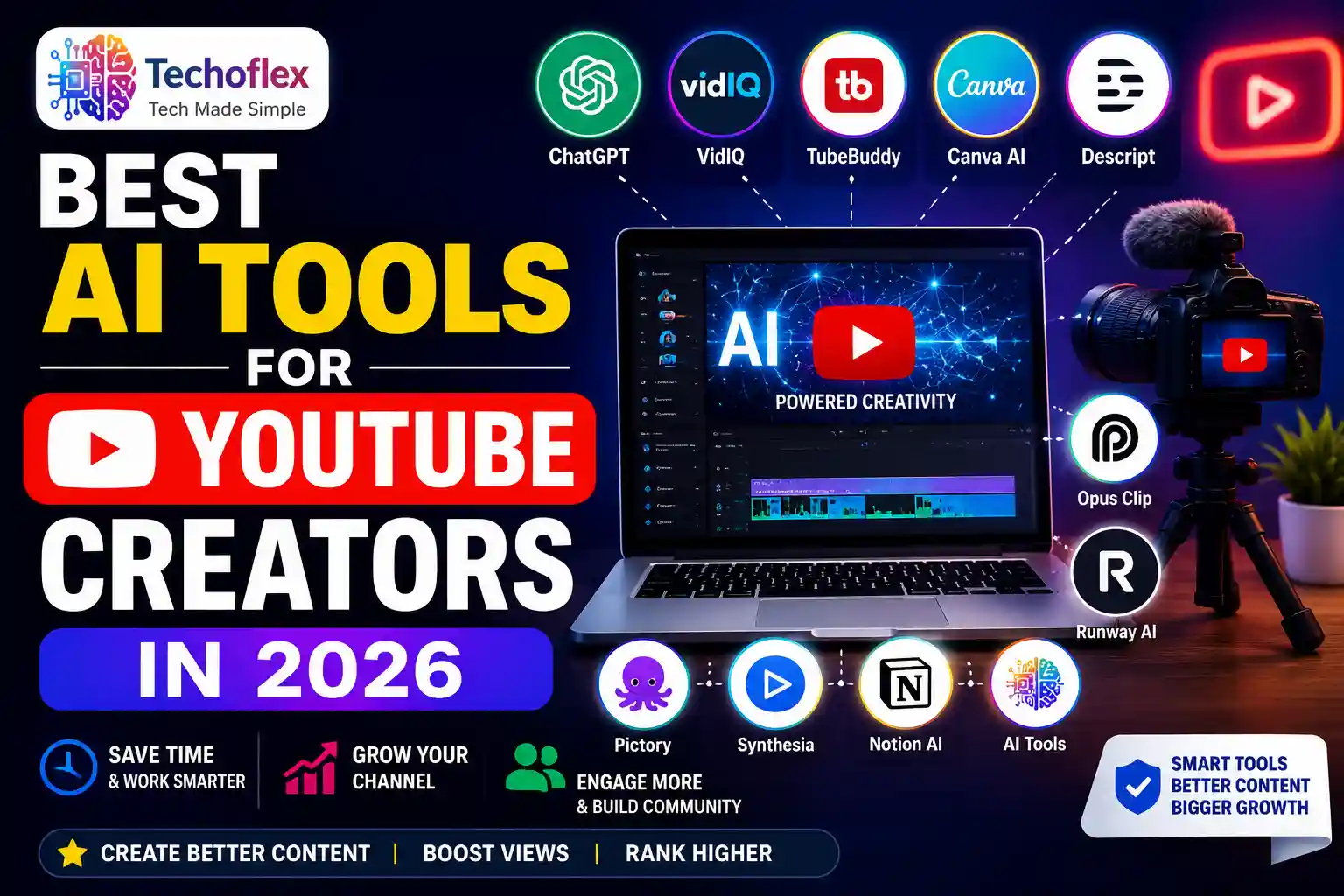
Best AI Tools for YouTube Creators in 2026
AI tools can make many of these tasks faster and easier. They can help with everything from brainstorming video ideas and writing scripts to editing videos, creating thumbnails, generating voiceovers, and improving YouTube SEO.
In this guide, we will look at some of the best AI tools for YouTube creators in 2026 and explain what each tool is useful for, its main features, pricing, and which type of creator can benefit from it.
Whether you are a beginner YouTuber, a faceless content creator, an educator, or an experienced channel owner, this list can help you choose tools that fit your workflow.
Why YouTube Creators Need AI Tools
Creating videos regularly can be time-consuming. A single YouTube video may require topic research, scripting, recording, editing, thumbnail design, SEO optimization, and promotion.
AI tools can reduce the amount of repetitive work involved in these tasks. Instead of starting everything from scratch, creators can use AI to generate ideas, organize information, create drafts, edit content, and improve their workflow.
AI can also help creators repurpose existing content. For example, a long video can be turned into short clips, a script can become a blog post, and a video can be adapted into social media content.
However, AI should be used as a productivity tool rather than a replacement for creativity. Your own ideas, experience, opinions, and understanding of your audience are still important for creating valuable YouTube content.
Our Research & Selection Process
I researched and compared these AI tools before creating this list. I looked at their features, use cases, ease of use, pricing, free options, and how each tool can help with different parts of the YouTube content creation process.
Instead of simply listing popular AI tools, I focused on tools that can be useful for real YouTube workflows, including:
- Content research
- Script writing
- YouTube SEO
- Thumbnail creation
- Video editing
- Short-form video creation
- AI voiceovers
- AI video generation
- Content planning
- Content repurposing
I also checked the available pricing and plan information while preparing this guide. Since AI tools frequently change their plans, features, and prices, pricing should be checked again on the official website before purchasing a plan.
Quick Comparison: Best AI Tools for YouTube Creators
| AI Tool | Best For | Free Option | Starting Paid Price |
|---|---|---|---|
| ChatGPT | Scripts, ideas & research | Yes | $20/month |
| vidIQ | YouTube SEO & research | Yes | $16.58/month when billed yearly |
| TubeBuddy | Channel optimization | Yes | $3.60/month when billed yearly |
| Canva AI | Thumbnails & graphics | Yes | Paid plans available |
| Descript | Video editing & transcription | Yes | $16/month with annual billing |
| OpusClip | YouTube Shorts | Yes | Paid plans available |
| ElevenLabs | AI voiceovers | Yes | $6/month |
| Runway | AI video generation & editing | Yes | $12/month with annual billing |
| Pictory | Text-to-video | Trial available | $25/month when billed annually |
| Synthesia | AI avatar videos | Yes | $18/month when billed annually |
| Notion AI | Content planning | Yes / limited AI trial | $10/month |
Prices are approximate starting prices and may change. Taxes, currency conversion, and billing options can affect the final price.
1. ChatGPT
ChatGPT is one of the most versatile AI tools for YouTube creators. It can help with brainstorming video ideas, creating outlines, writing scripts, generating titles, and preparing video descriptions.
Creators can also use it to organize a content calendar or develop multiple video ideas around one topic.
Another useful feature is content repurposing. A YouTube script can be adapted into a blog post, social media caption, newsletter, or community post.
If you also run a blog, you can use ChatGPT to turn your video ideas into written content. You can learn more in our guide on best AI tools for bloggers.
Best for:
- YouTube scripts
- Video ideas
- Titles and descriptions
- Content planning
- Content repurposing
Free plan: Yes
Paid pricing: Starting from $20/month for the Plus plan.
My take:
For beginners, ChatGPT is one of the most useful starting points because it can help with multiple stages of the content workflow instead of doing only one task.
2. vidIQ
vidIQ is built specifically around YouTube growth and optimization. It offers tools for keyword research, trend discovery, content ideas, thumbnails, and channel insights.
Creators can use it to find potential video topics and understand what people are searching for on YouTube.
Its AI features can also help with content ideas and optimization.
If you are working on improving your overall channel strategy, you can also check our guide on YouTube channel growth tips.
Best for:
- YouTube SEO
- Keyword research
- Video ideas
- Channel insights
- Content optimization
Free plan: Yes
Paid pricing: The Boost plan starts at around $16.58/month when billed yearly.
My take:
vidIQ is especially useful when your main problem is finding better topics and improving YouTube search visibility.
3. TubeBuddy
TubeBuddy is another popular tool for YouTube channel optimization. It provides features related to keyword research, SEO, channel management, and video optimization.
Its tools can help creators optimize videos and manage repetitive tasks more efficiently.
TubeBuddy also offers different plans depending on the level of features required.
Best for:
- YouTube SEO
- Keyword research
- Channel optimization
- Video management
Free plan: Yes
Paid pricing: The Pro plan starts at around $3.60/month when billed annually.
My take:
If you are starting a YouTube channel and want a low-cost tool for SEO and optimization, TubeBuddy is worth checking.
4. Canva AI
A good thumbnail can make a major difference in whether someone notices a YouTube video.
Canva AI makes it easier to create thumbnails, channel banners, social media graphics, and other visual content without advanced design skills.
Its AI features can help generate design ideas and create visual content from simple instructions.
Beginners can also use Canva’s templates and editing tools to create professional-looking thumbnails.
Best for:
- YouTube thumbnails
- Channel banners
- Social media graphics
- Visual content
Free plan: Yes
Paid pricing: Canva offers free and paid plans. Paid pricing depends on the selected plan and billing option.
My take:
For beginners who don’t have professional graphic-design skills, Canva is one of the easiest tools to start with.
5. Descript
Descript takes a different approach to video editing. Instead of relying only on a traditional video timeline, creators can edit videos using the transcript.
This can be especially useful for tutorials, interviews, podcasts, educational videos, and talking-head content.
Its features include transcription, text-based editing, screen recording, and AI-powered editing features.
Best for:
- Video editing
- Transcription
- Podcasts
- Talking-head videos
- Screen recordings
Free plan: Yes
Paid pricing: Paid plans start at around $16/month with annual billing.
My take:
If traditional video editing feels complicated, Descript’s text-based editing workflow can make the process easier.
6. OpusClip
OpusClip is designed for creators who want to turn long videos into short-form content.
The tool can analyze longer videos and create short clips that can be used for YouTube Shorts and other social platforms.
This can be useful if you already publish long-form YouTube videos and want to get more content from the same recording.
Best for:
- YouTube Shorts
- Content repurposing
- Short-form videos
- Turning long videos into clips
Free plan: Yes
Paid pricing: Paid plans are available depending on the selected plan and usage requirements.
My take:
If you regularly create long videos, OpusClip can save a lot of time when creating Shorts.
7. ElevenLabs
Voice quality is especially important for narration-based and faceless YouTube channels.
ElevenLabs provides AI voice generation and voice-cloning features that can be used for narration, explainers, educational videos, and other content.
The platform also supports multiple languages.
Creators should make sure they have the necessary rights and permission before using voice-cloning features.
Best for:
- AI voiceovers
- Narration
- Faceless YouTube videos
- Multilingual voice content
Free plan: Yes
Paid pricing: The Starter plan starts at around $6/month.
My take:
For creators who need AI narration, ElevenLabs is one of the strongest options in this list.
8. Runway
Runway provides AI-powered video generation and editing tools.
Creators can use it for visual effects, background-related tasks, AI video generation, and creative video workflows.
It can be particularly useful for creators who want to create more visual or cinematic content.
Best for:
- AI video generation
- Visual effects
- Creative video editing
- AI-powered video workflows
Free plan: Yes
Paid pricing: The Standard plan starts at around $12/month when billed annually.
My take:
Runway is better suited to creators who want to experiment with advanced AI video creation rather than just basic editing.
9. Pictory
Pictory focuses on creating videos from written content and other media.
Creators can use scripts, articles, prompts, images, or audio as starting points for video creation.
This can be useful for educational channels, businesses, and creators who want to repurpose written content into videos.
For example, a blog article can become the foundation for a YouTube video.
Best for:
- Text-to-video
- Blog-to-video content
- Content repurposing
- Educational videos
Free option: Free trial available
Paid pricing: The Starter plan starts at around $25/month when billed annually.
My take:
Pictory is worth considering if you already have written content and want to turn it into videos more quickly.
10. Synthesia
Synthesia focuses on creating videos using AI avatars and voiceovers.
It can be useful for educational videos, tutorials, presentations, training content, and videos where you don’t want to appear on camera.
The platform provides AI avatars and supports many languages.
Best for:
- AI avatar videos
- Educational videos
- Presentation videos
- Training content
- Faceless videos
Free plan: Yes
Paid pricing: The Starter plan starts at around $18/month when billed annually.
My take:
Synthesia is especially useful for creators who want presenter-style videos without traditional camera recording.
11. Notion AI
Notion can help YouTube creators organize their content ideas, publishing schedule, research notes, and workflow.
Creators can use Notion to maintain a content calendar, store video ideas, organize scripts, and manage future topics.
The free plan is useful for basic organization, while paid plans provide additional features.
Best for:
- Content planning
- Content calendars
- Organizing video ideas
- Research notes
- Team workflows
Free plan: Yes, with limited AI trial capabilities
Paid pricing: Plus starts at around $10 per member/month.
My take:
Notion AI is useful when your biggest problem isn’t creating content but organizing everything you need to publish consistently.
Benefits of Using AI Tools for YouTube
AI tools can help creators save time on repetitive tasks such as research, scripting, editing, thumbnail creation, and content planning.
Save Time
AI can speed up tasks that normally require a lot of manual work. This gives creators more time to focus on recording, creativity, and audience interaction.
Create More Content
Content-repurposing tools can help creators turn one long video into several pieces of content, such as Shorts, social media posts, or blog content.
Improve Your Workflow
Using different tools for different stages of production can make the content creation process more organized.
Help Beginners
Many AI tools simplify tasks that traditionally required advanced technical, writing, editing, or design skills.
Support Content Research
AI and YouTube-specific tools can help creators discover topics, keywords, trends, and content ideas.
However, creators should review AI-generated results before publishing. AI output can contain mistakes, outdated information, or generic ideas.
How to Choose the Right AI Tool for YouTube
There is no single best AI tool for every YouTube creator. Your choice should depend on the specific problem you want to solve.
For Script Writing
ChatGPT can be useful for brainstorming, outlining, and developing scripts.
For YouTube SEO
vidIQ and TubeBuddy can help with keyword research and channel optimization.
For Thumbnails
Canva AI is a good option for thumbnails and visual content.
For Video Editing
Descript and Runway can help with different parts of the video-production process.
For YouTube Shorts
OpusClip can help turn longer videos into short-form content.
For AI Voiceovers
ElevenLabs is useful for creators who need AI-generated narration.
For Text-to-Video
Pictory can help turn written content into videos.
For AI Avatar Videos
Synthesia is useful for presenter-style videos.
For Content Planning
Notion can help organize ideas, scripts, and publishing schedules.
Instead of subscribing to every tool, start with one or two tools that solve your biggest problems. Once you understand your workflow, you can add other tools when necessary.
Best AI Tools for Different YouTube Tasks
| Your Need | Recommended Tool |
|---|---|
| Script writing | ChatGPT |
| Video ideas | ChatGPT / vidIQ |
| YouTube SEO | vidIQ / TubeBuddy |
| Thumbnails | Canva AI |
| Video editing | Descript |
| YouTube Shorts | OpusClip |
| AI voiceovers | ElevenLabs |
| AI video generation | Runway |
| Text-to-video | Pictory |
| AI avatar videos | Synthesia |
| Content planning | Notion |
Should You Use Multiple AI Tools?
You don’t necessarily need 10 or 20 AI tools to run a successful YouTube channel.
For a beginner, a simple workflow may be enough:
ChatGPT → Canva → Video Editor → YouTube
For example:
- Use ChatGPT to research ideas and create a script outline.
- Create your thumbnail with Canva.
- Edit your video using Descript or another editor.
- Use vidIQ or TubeBuddy for YouTube optimization.
- Publish and analyze the results.
As your channel grows, you can add tools such as ElevenLabs, OpusClip, Runway, or Pictory depending on your requirements.
Key Takeaways
- AI tools can reduce the time required for many YouTube tasks.
- ChatGPT is useful for ideas, scripts, titles, and content planning.
- vidIQ and TubeBuddy can help with YouTube SEO and optimization.
- Canva AI can simplify thumbnail and graphic design.
- Descript can make video editing and transcription easier.
- OpusClip can turn longer videos into short-form content.
- ElevenLabs can help with AI voice generation.
- Runway provides advanced AI video generation and editing features.
- Pictory can turn written content into videos.
- Synthesia can create presenter-style videos using AI avatars.
- Notion can help creators organize their content workflow.
Frequently Asked Questions
What are the best AI tools for YouTube creators in 2026?
Some useful options include ChatGPT for scripting and ideas, vidIQ and TubeBuddy for YouTube SEO, Canva AI for thumbnails, Descript for editing, OpusClip for Shorts, and ElevenLabs for AI voiceovers.
Can AI help grow a YouTube channel?
AI can support several parts of the YouTube workflow, including content research, scripting, editing, thumbnails, SEO, and content repurposing.
However, AI alone cannot guarantee YouTube growth. Content quality, consistency, audience interest, storytelling, and channel strategy still matter.
Which AI tool is best for YouTube SEO?
vidIQ and TubeBuddy are useful options for YouTube SEO because they provide features related to keyword research, optimization, and channel insights.
Is ChatGPT useful for YouTube creators?
Yes. ChatGPT can help with video ideas, outlines, scripts, titles, descriptions, research, and content repurposing.
Which AI tool is best for YouTube thumbnails?
Canva is a good option for beginners because it provides templates and AI-powered design features that make thumbnail creation easier.
Can AI create YouTube Shorts?
Yes. Tools such as OpusClip can help creators turn longer videos into shorter clips that can be used for YouTube Shorts and other social platforms.
Are AI tools suitable for beginner YouTubers?
Yes. Many AI tools are designed to simplify tasks such as editing, design, research, scripting, and content planning, making them useful for beginners as well as experienced creators.
Conclusion
AI is changing how YouTube creators research, plan, produce, edit, and repurpose content.
The right AI tools can save time and simplify tasks such as script writing, SEO, thumbnail creation, video editing, voiceovers, and content planning.
However, AI should support your creativity rather than replace it. Your ideas, experience, storytelling, and understanding of your audience are still what make a YouTube channel unique.
If you are just starting, don’t try to use every AI tool at once. Choose one or two tools that solve your biggest problems, learn them properly, and gradually build a workflow that works for you.
The best AI tool isn’t necessarily the one with the most features. It’s the one that actually saves you time and helps you create better content.